An assistant that knows your business,
 They cannot see your files
Staff copy and paste documents into a chat window, one at a time, and lose track of what was shared.
Assistants on your data
We connect AI assistants to your documents, mail, and records through MCP, so they answer from your own files and prepare work inside the tools your team already uses.
The problem
Staff copy and paste documents into a chat window, one at a time, and lose track of what was shared.
Either the assistant sees nothing, or someone hands it a key to everything.
Answers have to be retyped into mail, documents, and systems before they are useful.
Our approach
Connectors for your document store, mail, calendar, CRM, and databases, exposed tool by tool.
Retrieval over your own documents, so answers cite the file they came from.
Replies, summaries, and documents prepared where they will be used, ready for a person to send.
Each request is checked against the access of the person who asked.
Built into WhileSmart Desk
Assistants connected to Desk can list, read, and draft across Mail, Docs, and Calendar through its MCP gateway, and sending always waits for a person.
See Desk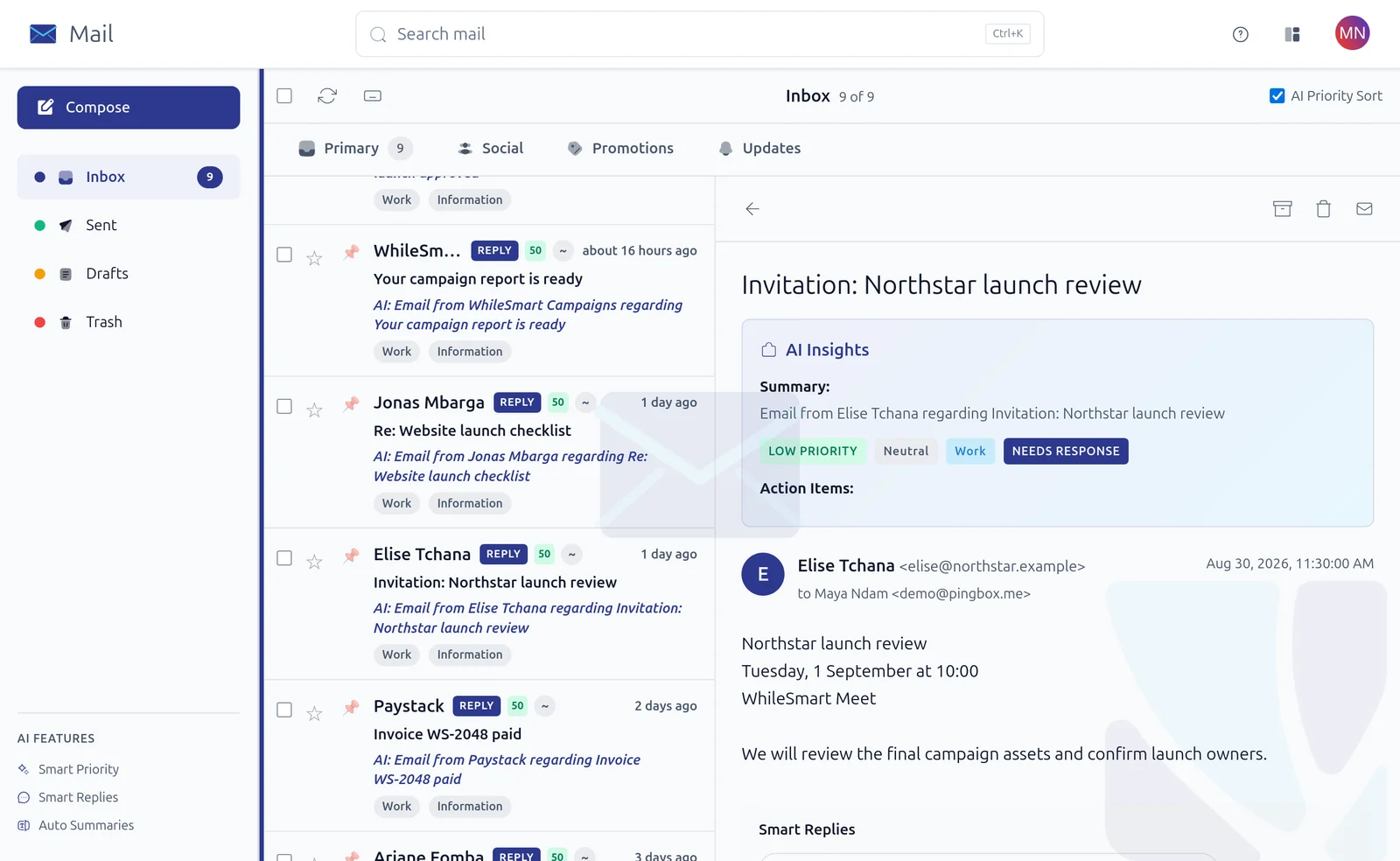
How it works
We list where your knowledge lives and who may see what.
We build or configure MCP connectors with read and write scopes you choose.
One team uses it first; we measure answers and adjust before widening access.
Privacy and control
Questions
Any assistant or model client that supports MCP, the open standard for connecting AI to tools. We can also build a private assistant for you.
Only if you choose a hosted model. We can run models on your infrastructure so documents stay where they are.
Yes. Most teams start with one document store or mailbox and add sources once the first one is trusted.
Start a conversation
An engineer replies within 24 hours with how we would approach it.